Coastal Tech Market
DIGITNOW 4K HDTV Capture Card for Streaming, Full HD 1080P 60FPS USB 3.0 Cam Link Game Audio Video Capture Card, Work with Camera/Switch/Xbox/PS4/PS5/PC/OBS (Black)
DIGITNOW 4K HDTV Capture Card for Streaming, Full HD 1080P 60FPS USB 3.0 Cam Link Game Audio Video Capture Card, Work with Camera/Switch/Xbox/PS4/PS5/PC/OBS (Black)
Couldn't load pickup availability
SPECIFICATIONS
AV Output: HDMI
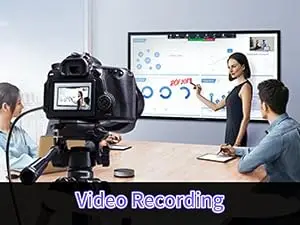
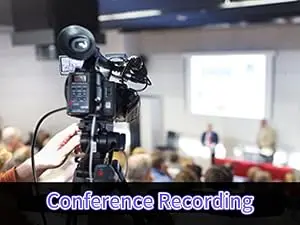
Antenna Location: Video Recording, Image Capture
Application: TV,PS4/3,xbox,Switch,Dslr,PC,Camera,Display
Brand Name: NONE
Compatible Devices: Camcorder, Personal Computer
Hardware Interface: USB 3.0
High-concerned chemical: none
Input: USB,HDMI
Minimum System Requirements: A computer system with USB 3.0 port and compatible Windows, Linux, or MacOS operating system
Operating System: Windows and Mac OS
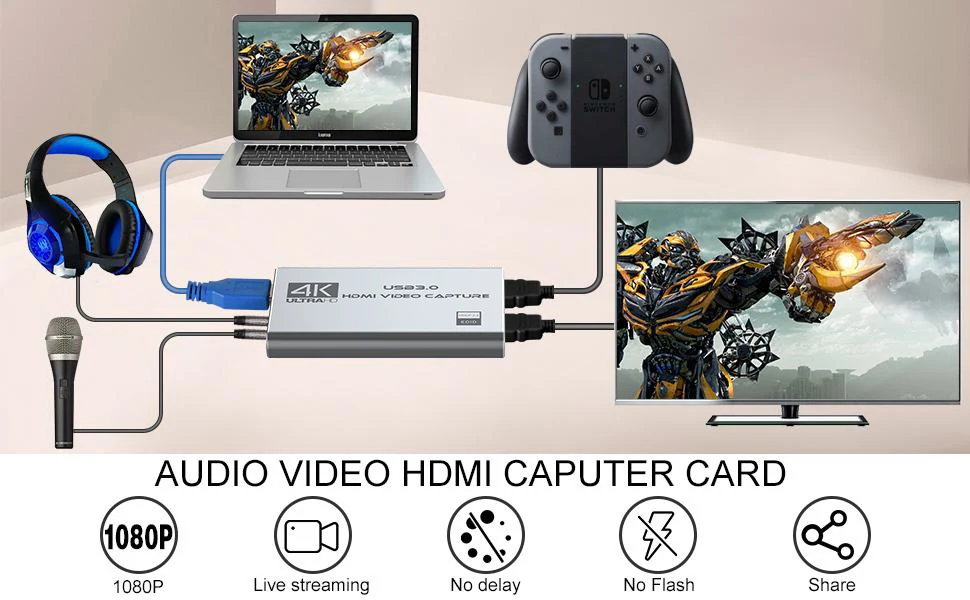
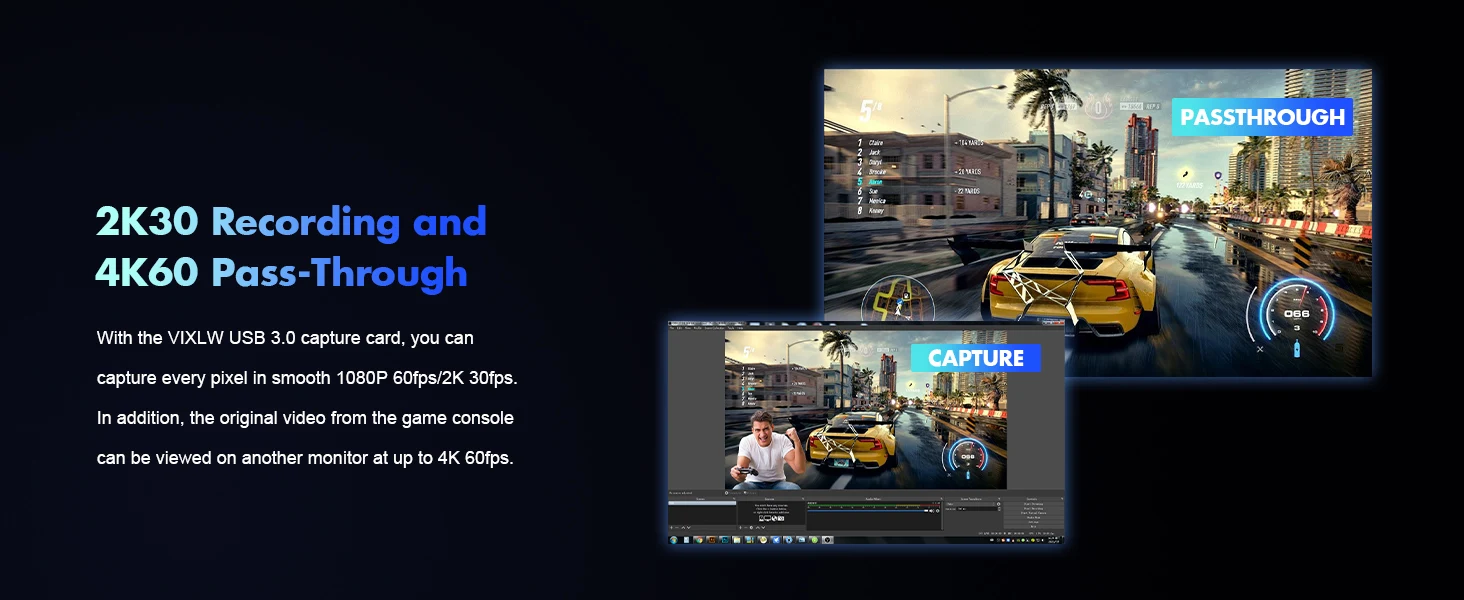
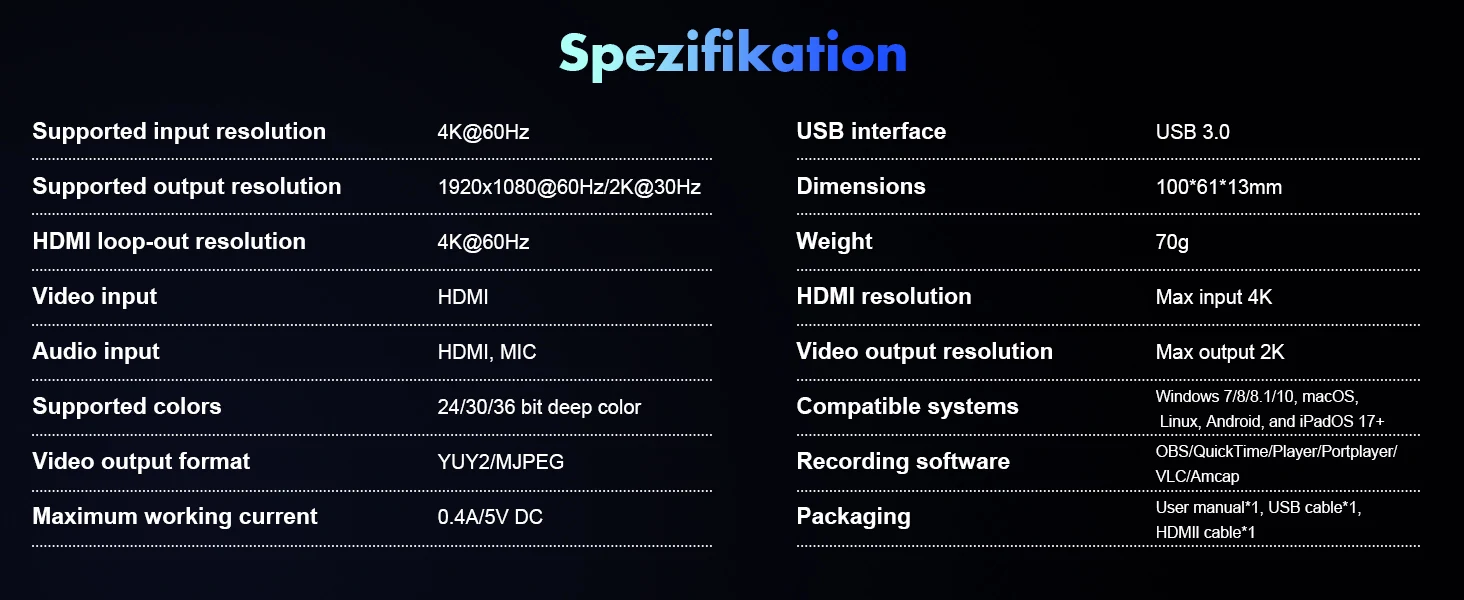
Other Special Features of the Product: 4K HDMI input support, 3.5mm microphone input, 4K HDMI LOOP-OUT
Output: USB,HDMI
Platform: Nintendo Switch, Windows
Type: Video Capture Card
Video Capture Resolution: 1080p
Compact Design
The compact design of this video capture card makes it easy to carry around and set up wherever you go.
High-Fidelity Audio
Capture high-quality audio for your broadcasts with our game audio video capture card, enhancing your streaming experience.
USB 3.0 Connectivity
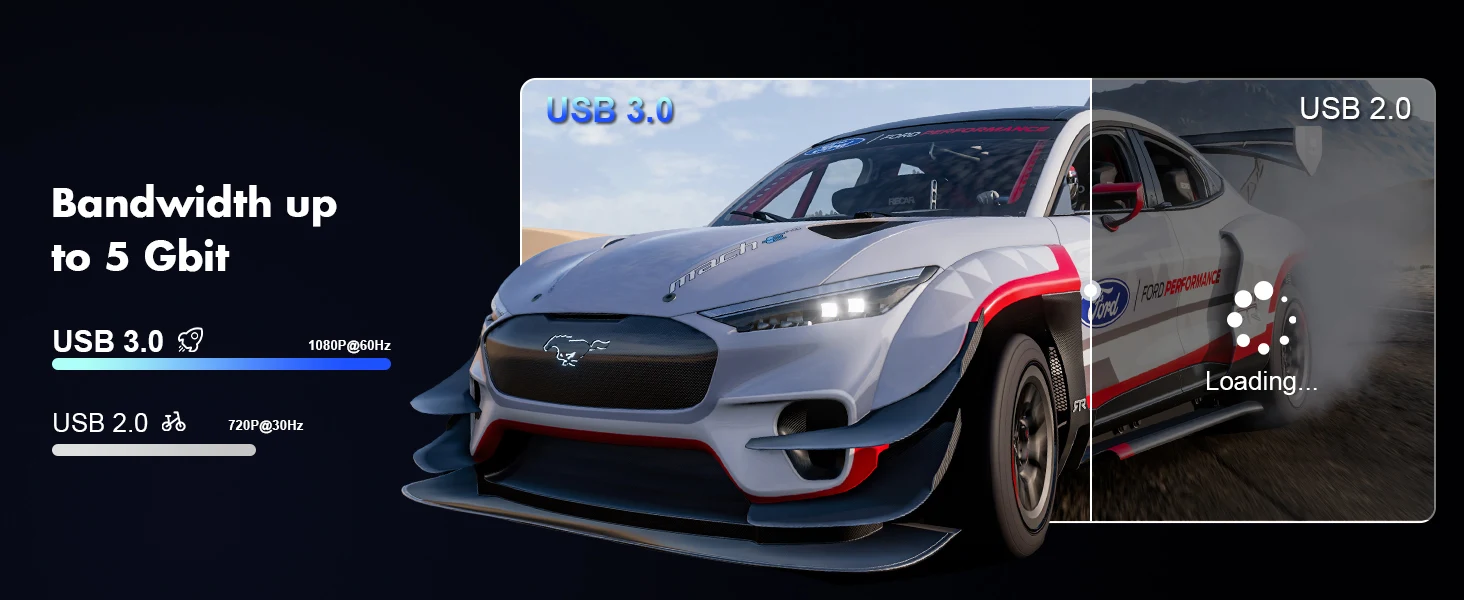
Effortlessly connect to your devices with the USB 3.0 Cam Link, ensuring fast and stable data transfer.
Easy to Use
With its user-friendly interface, this capture card is easy to operate, making it ideal for both beginners and professionals.
Versatile Compatibility
This capture card is compatible with a wide range of devices including cameras, switches, Xbox, PS4, PS5, PC, and OBS.
About this item
【1080P HD High Quality】Capture resolution up to 1080p for video source and it is ideal for all HDTV devices such as PS4, PS3, Xbox One, Xbox 360, Wii U, DVDs, DSLR, Camera, Security Camera and set top box.
【Plug and Play】No driver or external power supply required, true PnP. Once plugged in, the device is identified automatically as a webcam. Detect input and adjust output automatically. Won't occupy CPU, optional audio capture. No freeze with correct setting.
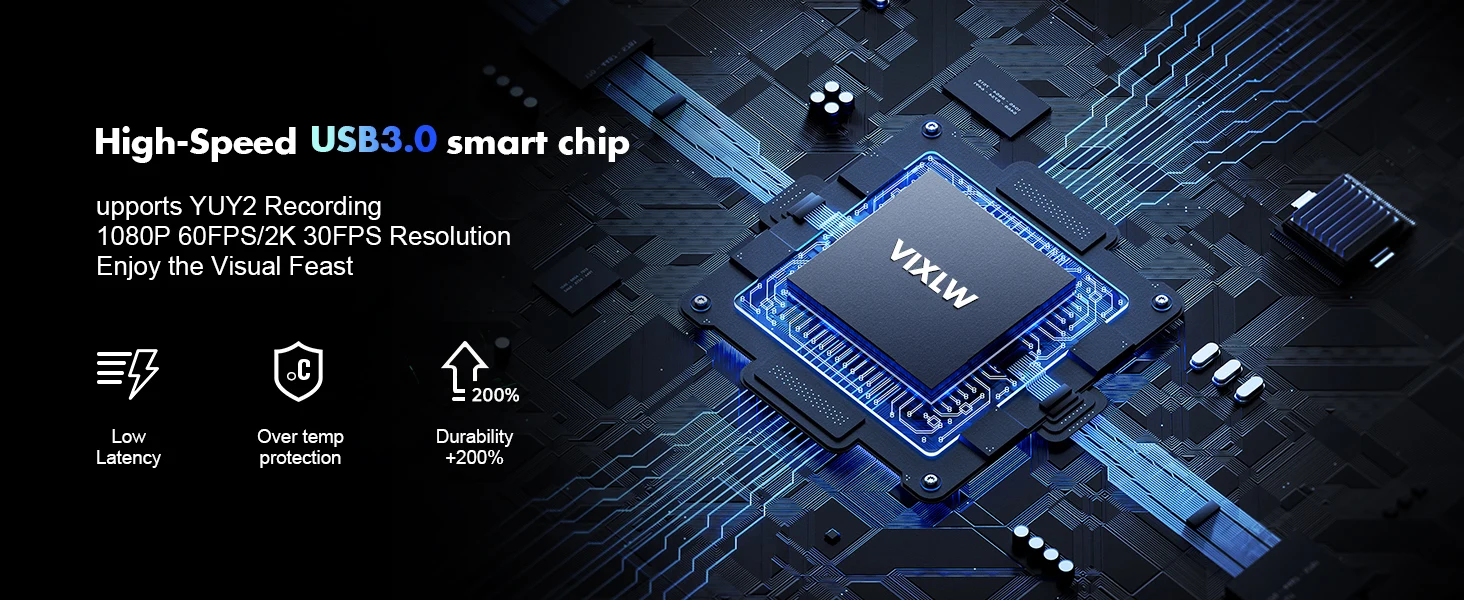
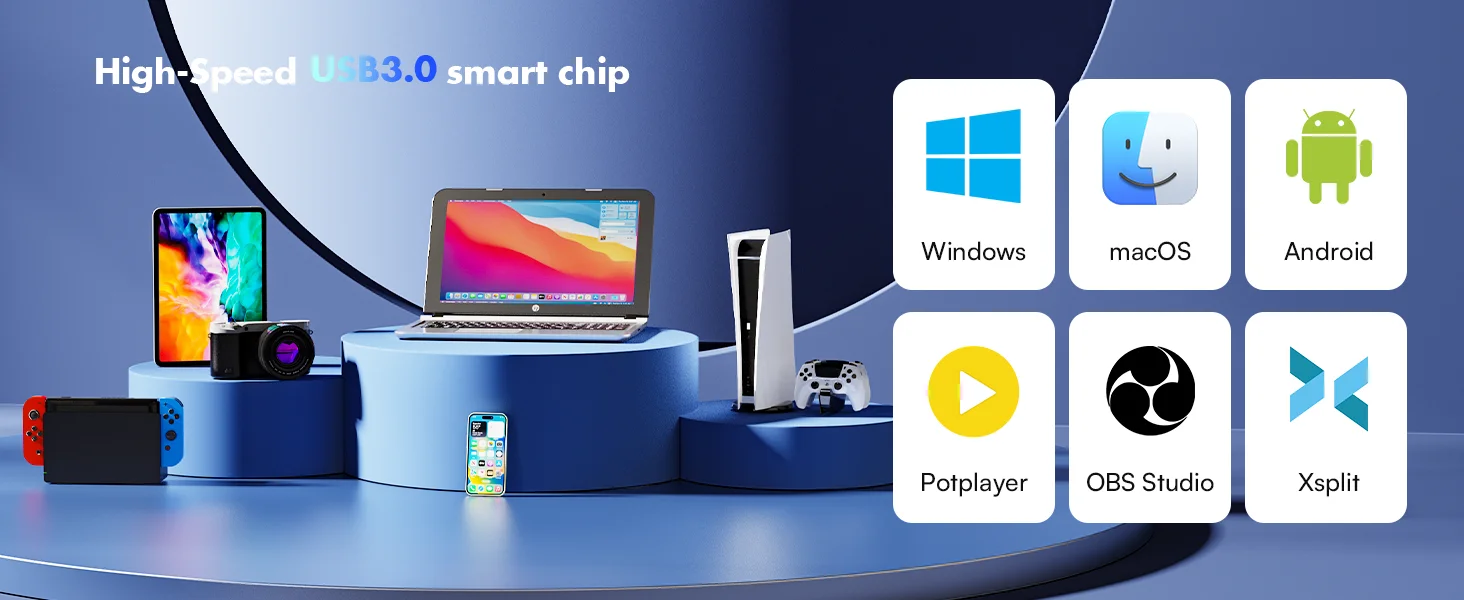
【Compatible with Multiple Systems】suitable for Windows and Mac OS. High speed USB 3.0 technology and superior low latency technology makes it easier for you to transmit live streaming to Twitch, Youtube, Facebook, Twitter, OBS, Potplayer and VLC.
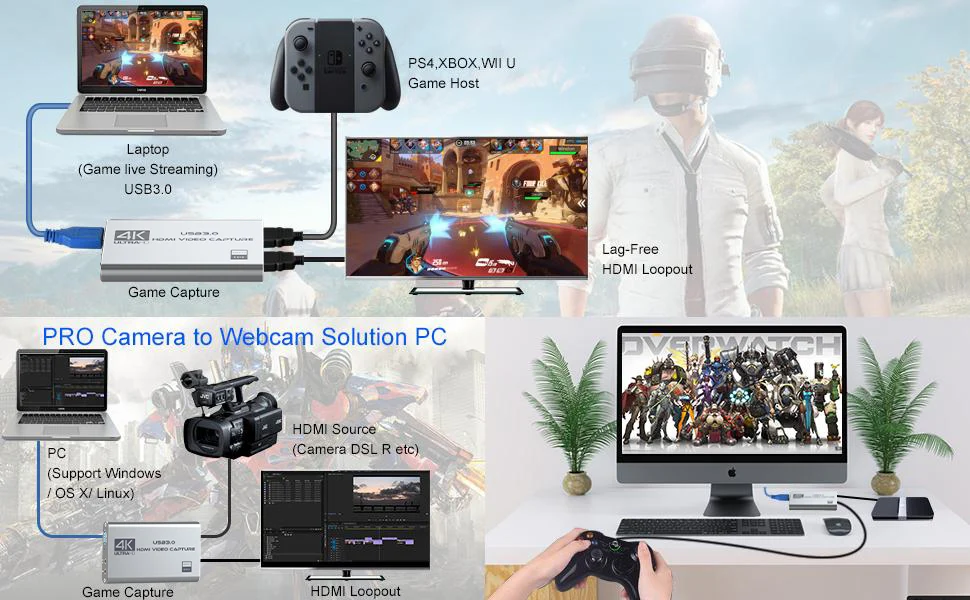
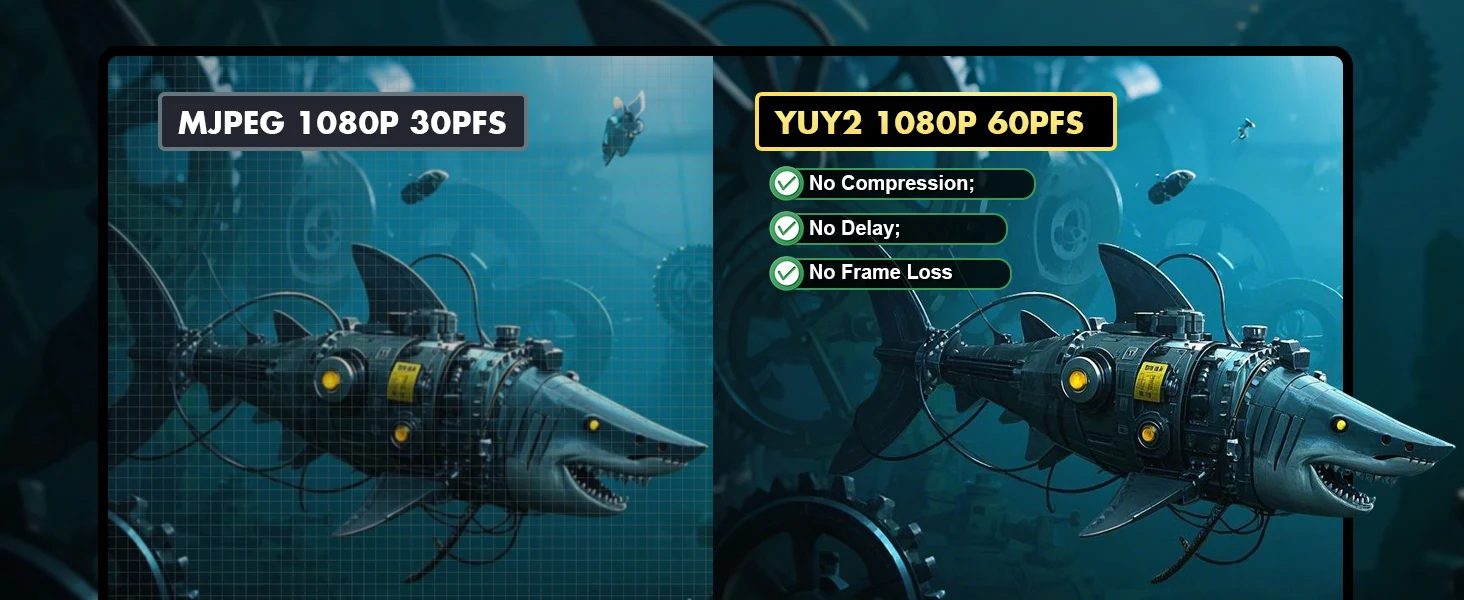
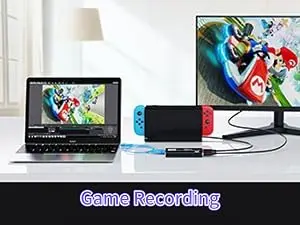
【HDMI LOOP-OUT】Based on the high-speed USB 3.0 technology, it can capture one single channel HD HDTV video signal. There is no delay when you are playing game live.
【Support Mic-in for Commentary】Kedok capture card has microphone input and you can use it to add external commentary when playing a game. Please note: it only accepts 3.5mm TRS standard microphone headset.
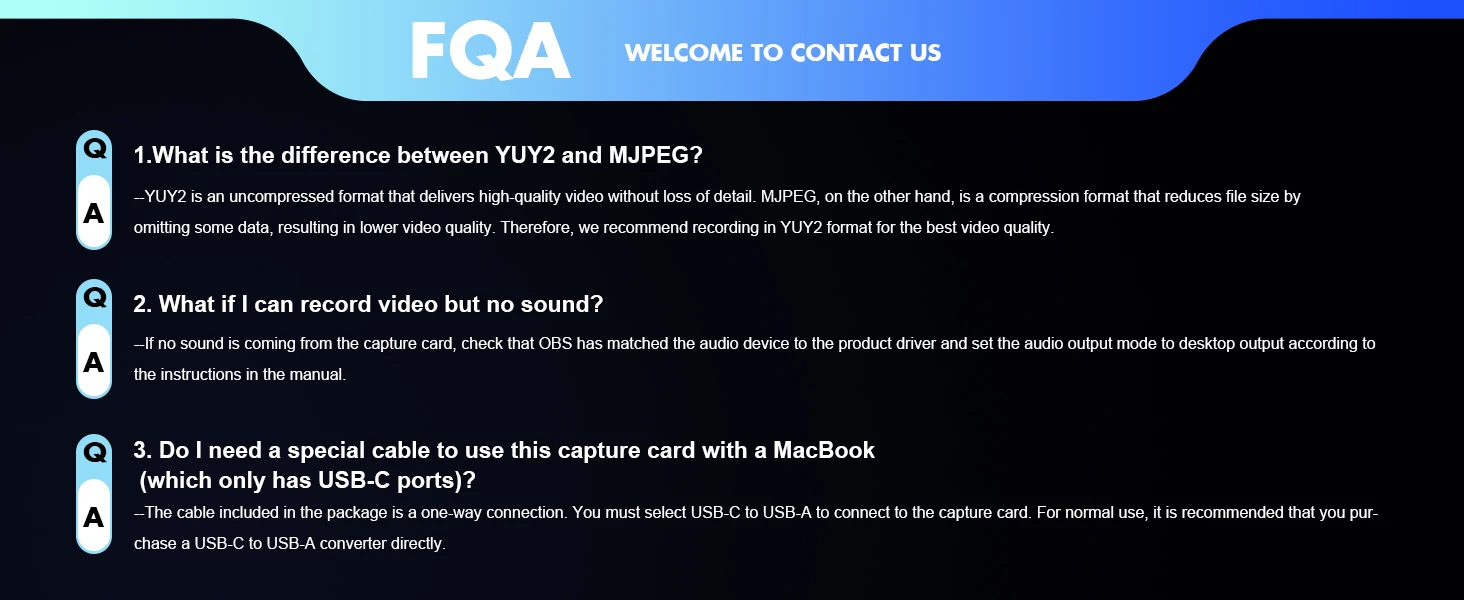
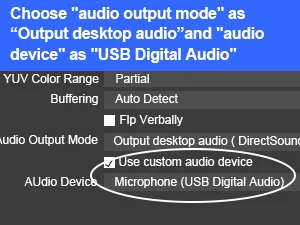
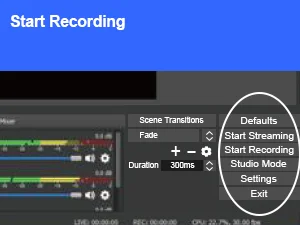
OBS Studio Setup
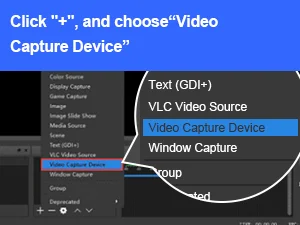
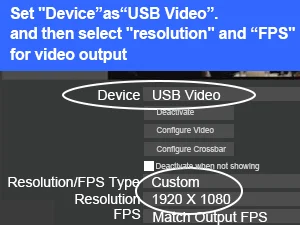
1. Open OBS, create a new source under Sources by clicking "+", select "Video Capture Device", name it, then set:
Device: USB3.0 Video; Audio Output Mode: Capture Mode Only; Use custom audio device: Digital Audio Interface (USB 3.0 Audio)
2. In OBS settings → Audio:
Disable all Global Audio Settings except Mic/Auxiliary Audio; Set Mic/Auxiliary Audio to Digital Audio Interface (USB 3.0 Audio)
3. Under the Audio tab:
Right-click Mic/Auxiliary Audio → Advanced Audio Properties → Set Audio Monitoring to "Monitor Only (Mute Output)"
4. In PC settings → System → Sound:
Set Input to Laptop Microphone; All Sound Devices → Input Devices → Digital Audio Interface. Ensure it is NOT set to default. All Sound Devices → Input Devices → Laptop Microphone. Ensure it IS set to default.
5. In Discord:
If prompted to switch audio device, choose "don't switch"; User Settings > Voice & Video > Input > Laptop Microphone; User Settings > Voice & Video > Output > Laptop Speakers.
What's in the box
Capture Card x1
Installation Guide x1